
The Fastest Way to
Merge PDFs
Merge, split, compress, and convert your files in seconds. No sign-up, no limits.
Trusted by Millions Worldwide
Users from 150+ countries trust our platform daily with full encryption and guaranteed privacy.
Available PDF Tools
Choose the tool you need and start working instantly - no registration or installation required
Merge PDF
Merge PDF files into one document online free. Combine 2, 5, or 100+ PDFs without signup or software. Drag, drop, done in seconds!
Split PDF
Split PDF into multiple files or extract pages online free. No signup, no software. Select pages, click split — done in seconds!
Compress PDF
Compress PDF online free. Reduce file size up to 90% while keeping original quality and formatting. No signup, fast and secure.
Word to PDF
Convert Word documents (DOC/DOCX) to PDF online free. Preserves original formatting, fonts, and images perfectly. No software installation. Try it now!
PowerPoint to PDF
Convert PowerPoint (PPT/PPTX) to PDF online free. Preserves slides, animations preview, and formatting. No software, no signup. Share presentations as PDF!
Excel to PDF
Convert Excel (XLS/XLSX) spreadsheets to PDF online free. Preserves tables, charts, and formatting perfectly. No software download, no registration needed.
JPG to PDF
Convert JPG, PNG, and other images to PDF online free. Combine multiple photos into one PDF document. Adjust page size and orientation. No signup needed!
HTML to PDF
Convert any web page (URL) or HTML to PDF online free. Preserves layout, images, and CSS styling. Save web pages for offline reading. No software needed!
PDF to Word
Convert PDF to editable Word (DOCX) online free — keeps fonts, tables, and formatting intact. No Adobe needed, no signup. Supports Arabic text.
PDF to PowerPoint
Convert PDF to PowerPoint (PPT/PPTX) online free. Preserves slides, images, and formatting perfectly. No software or signup needed.
PDF to Excel
Extract tables from PDF to editable Excel (XLSX) spreadsheet online free. Accurate table detection, keeps formatting. No signup, no software. Try it now!
PDF to JPG
Convert PDF pages to high-quality JPG images online free. Extract all or specific pages with custom resolution. No signup needed.
PDF to PDF/A
Convert PDF to PDF/A (ISO 19005) for long-term archiving online free. Embeds all fonts, ensures future readability. Required by courts and agencies.
Edit PDF
Edit PDF online free without Adobe. Add text, images, shapes, highlights, and signatures. No software download or signup needed.
Sign PDF
Sign PDF documents electronically without printing. Draw, type, or upload your signature. Free, secure, and legally valid. No registration. Try it now!
Watermark
Add text or image watermarks to PDF online free. Customize position, size, opacity, and color. Protect documents from unauthorized use.
Rotate PDF
Rotate PDF pages 90°, 180°, or 270° online free. Fix upside-down or sideways scanned documents instantly. Rotate all or specific pages.
Page Numbers
Add page numbers to any PDF online free. Choose position, font, size, and starting number. Full customization, works with any PDF.
Crop PDF
Crop PDF pages and remove white margins online free. Resize page dimensions, trim borders, and adjust visible area. No software needed. No registration!
Protect PDF
Add password protection to PDF files online free. 256-bit AES encryption, restrict printing, copying, and editing. Secure your documents without Adobe!
Unlock PDF
Remove password from protected PDF files online free. Unlock PDF for printing, copying, and editing. No software installation, instant results. Try it now!
Redact PDF
Permanently redact sensitive information from PDF online free. Remove names, numbers, addresses, and confidential data securely. Cannot be recovered.
Organize PDF
Reorder, delete, and rearrange PDF pages online free. Drag-and-drop to organize your PDF exactly how you want. No signup needed.
Repair PDF
Fix corrupted or damaged PDF files that won't open online free. Recover text, images, and pages from broken PDFs. 90%+ success rate. No software needed!
Scan to PDF
Convert scanned documents and camera photos to clean PDF online free. Auto-corrects tilt, enhances contrast, removes shadows. Multi-page support.
OCR PDF
Extract text from scanned PDFs and images using OCR online free. Supports Arabic and English. Make any scanned document searchable and copyable.
Compare PDF
Compare two PDF documents side by side online free. Highlights additions (green), deletions (red), and changes. Perfect for contracts and legal docs.
Workflow
Automate PDF workflows — merge, compress, watermark, and convert in one click. Create reusable workflows for repetitive tasks. Save hours of manual work!
Translate PDF
Translate PDF between Arabic, English, and 50+ languages online free. Preserves formatting and layout perfectly. No signup needed.
Showing 29 of 29 tools
How to Use Free PDF Tools Online
Three simple steps to merge, split, compress, or convert any PDF file for free.
Upload Your PDF Files
Click the upload area or drag and drop your PDF files. Select multiple files at once from your computer, phone, or cloud storage. We support files up to 200MB with all major formats.
Choose Tool & Customize
Select from 29+ professional PDF tools — merge, split, compress, convert, edit, sign, protect, and more. Customize settings to match your exact needs.
Download Processed PDF
Your file is processed in seconds with military-grade encryption. Download instantly — no watermarks, no quality loss, no email required. Files auto-deleted within one hour.
Exceptional Features
We provide the best PDF processing experience with guaranteed security and speed
Secure & Encrypted
All files protected with SSL encryption and auto-deleted after 1 hour
Lightning Fast
Instant file processing using high-performance servers
Globally Available
Distributed servers worldwide for fastest response
Complete Privacy
We never keep copies or share your files with anyone
Works on All Devices
Responsive design works seamlessly on mobile, tablet, and desktop
No Installation
Use all tools directly from browser without downloading software
High Quality
Preserve original file quality with best possible results
Available 24/7
Service available around the clock, every day
PDF Tools Comparison Chart
Discover why 2M+ users choose us. Detailed comparison with ilovepdf, Smallpdf, and Adobe Acrobat.
| Feature | #1PDF Tools | iLovePDF | Smallpdf |
|---|---|---|---|
| Merge PDF | Free | Limited | 2/day |
| Compress PDF | Free | Limited | 2/day |
| PDF to Word (OCR) | Free | Paid | Paid |
| Split PDF | Free | Limited | 2/day |
| Edit PDF | Free | Paid | Paid |
| E-Signatures | Free | Free | Paid |
| Batch Processing | Free | Paid | No |
| Max File Size | 200MB | 15MB | 5MB |
| Arabic & RTL | Free | No | No |
| No Registration | Free | Free | No |
| No Watermarks | Free | No | No |
| OCR (50+ Lang) | Free | Paid | Paid |
* Based on free plans — Last updated May 2026
What Users Say About Our PDF Tools
Thousands of users trust our tools daily to process PDF files efficiently and securely.
"Finally, a truly free PDF merger that actually works without annoying file limits. I switched from ilovepdf and haven't looked back. The merge and compress tools save me hours every week."
"The Arabic RTL support is outstanding. No other free PDF tool handles Arabic documents this well. The OCR accurately recognizes Arabic text in scanned documents."
"We process thousands of invoices monthly. The batch processing capability and reliable compression have been invaluable for our document management workflow."
"Converting research papers from PDF to Word while preserving formatting and tables is critical. This tool does it better than any paid alternative I've tried."
"I use the JPG to PDF and compress tools daily for client deliverables. The quality preservation during compression is remarkable — 70% smaller with zero visible loss."
"The e-signature feature is a game changer. I can sign contracts, merge supporting documents, and send everything as one PDF — all completely free."
The Future is AI-Powered
We're building smart features to make document handling faster and easier than ever
AI PDF Summarizer
Get instant summaries of long documents. Extract key points and insights in seconds.
AI Table Extraction
Automatically detect and extract tables from PDFs into Excel or CSV format.
Smart OCR Cleanup
AI-powered text cleanup after OCR. Fix formatting, spelling, and layout automatically.
AI Document Search
Search across multiple PDFs using natural language. Find what you need instantly.
🔔 Follow us to be the first to know when we launch
Helpful Guides & Articles
Learn how to use PDF tools effectively. Practical tips and step-by-step guides for all PDF tasks.
 Guides
Best Free PDF Tools in 2026 — Full Guide
Discover the most powerful free PDF tools available online. No software installation required - merge, convert, compress and more.
 Tutorials
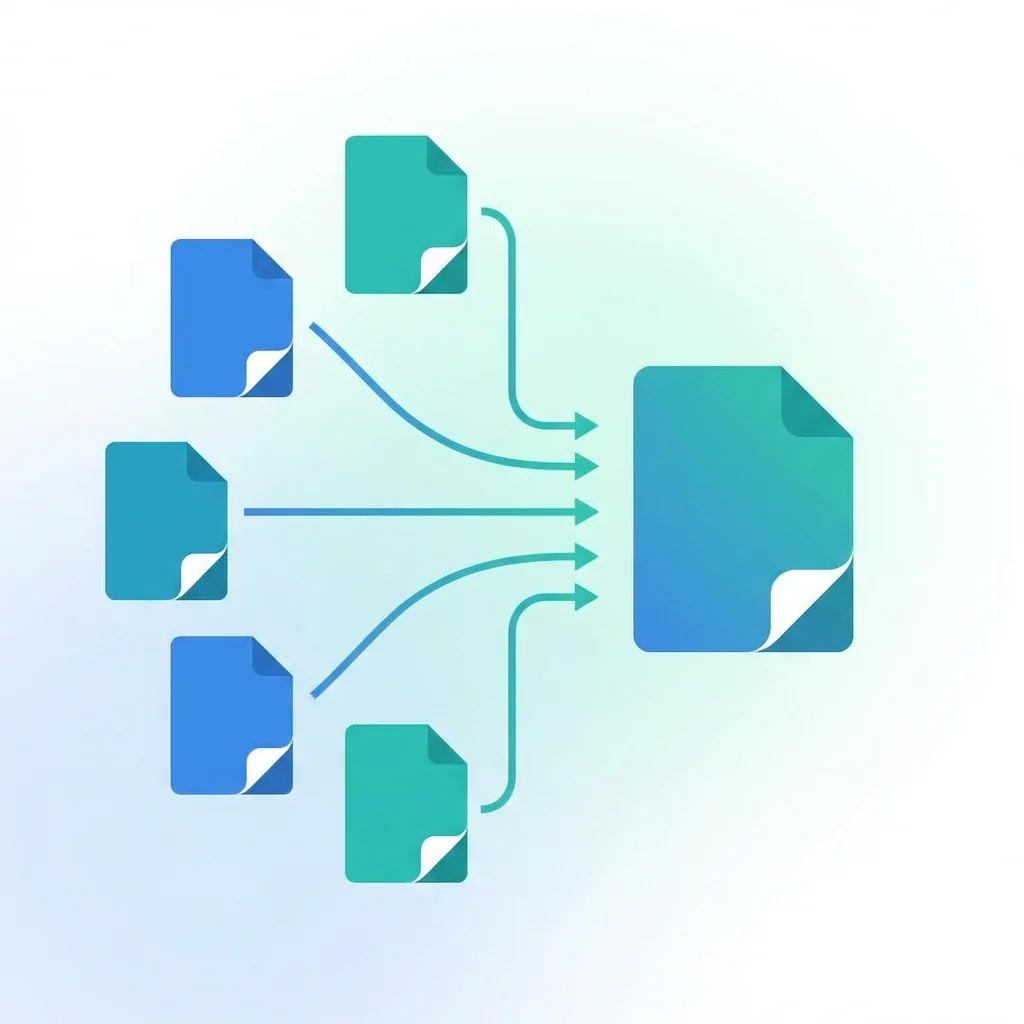
Merge PDF Free Online — No Registration
Step-by-step guide to combine multiple PDF files into one document online for free. No sign-up, no software download, no watermarks.
 Tutorials
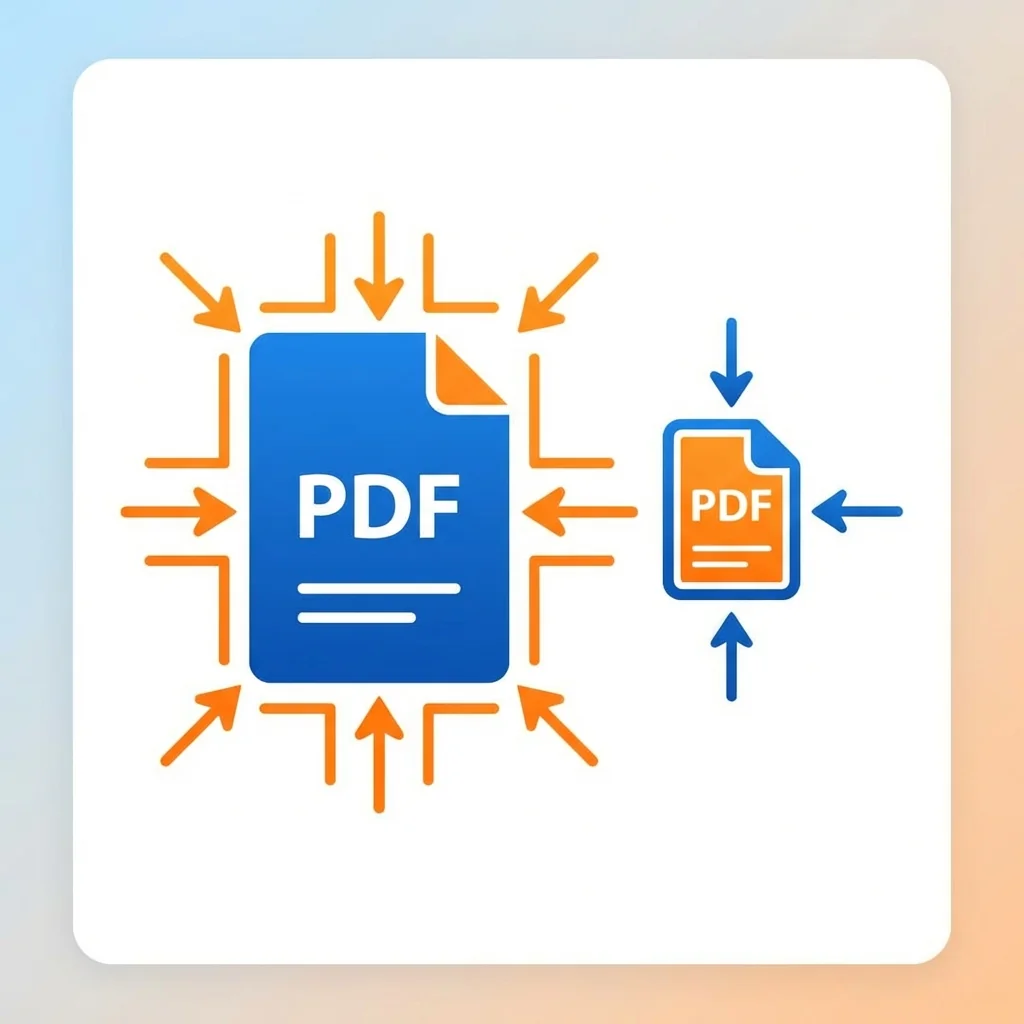
Compress PDF for Email Under 25MB Free
Your PDF is too large to send by email? Learn how to reduce PDF size under 25MB in seconds without losing quality. Works on any device.
 Conversion
PDF to Word Free — No Software Needed
Convert any PDF to editable Word document online for free. No Adobe Acrobat needed, no registration required. Keep original formatting.
 Conversion
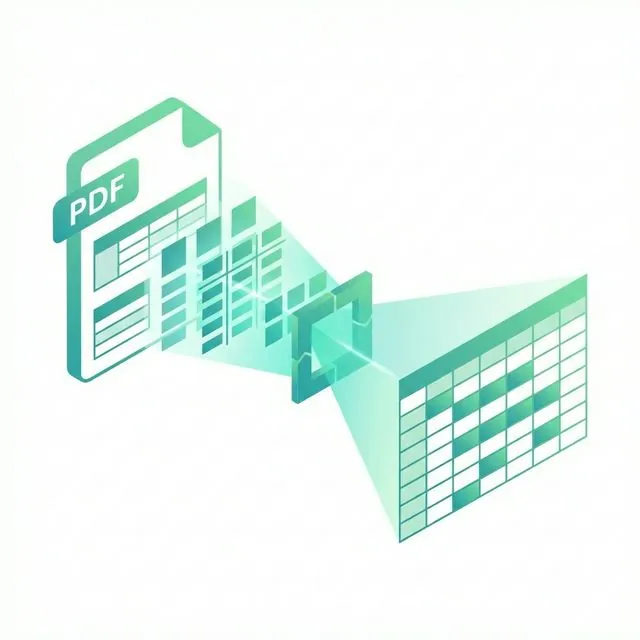
PDF to Excel Free — Extract Tables Online
Extract tables and data from PDF files to editable Excel spreadsheets. Free online tool, no registration, works with scanned PDFs too.
 Guides
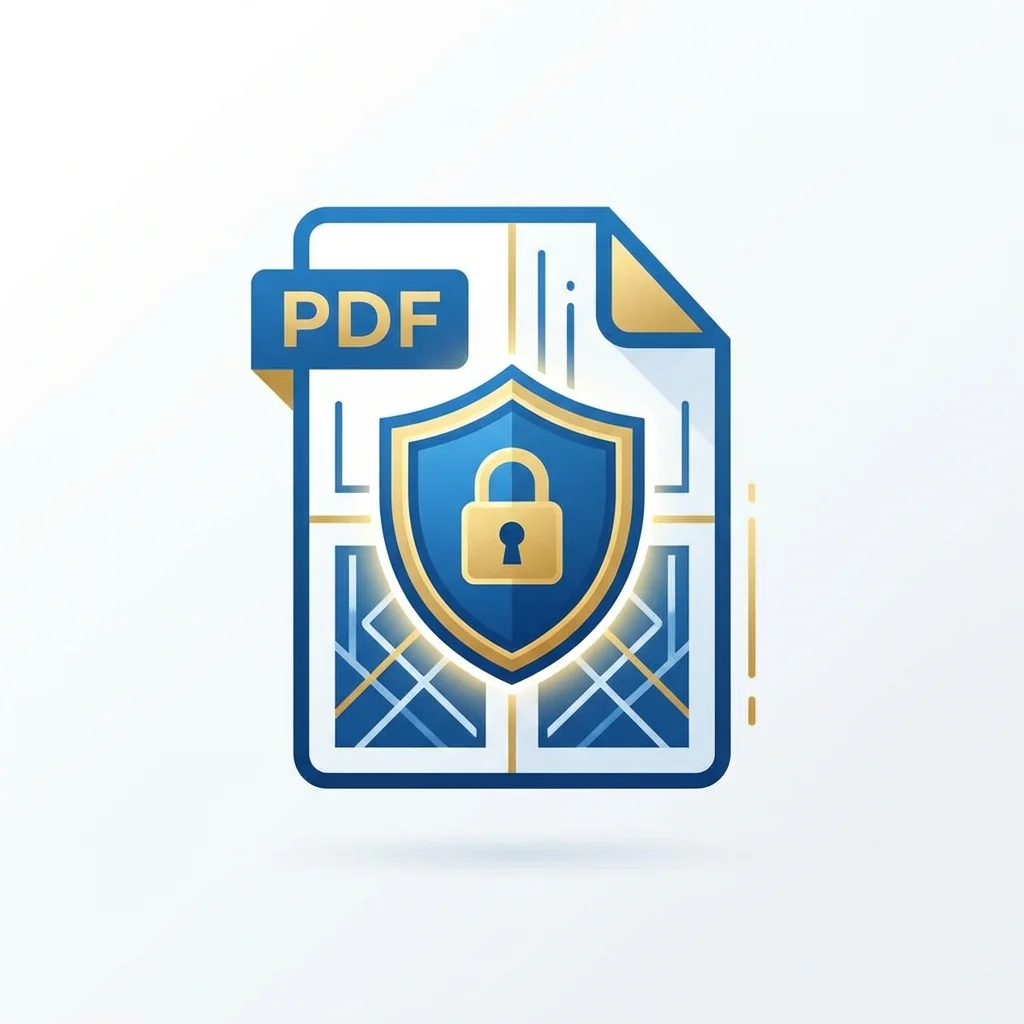
Sign PDF Online Free — No Printing Needed
Sign PDF documents electronically without printing. Draw, type, or upload your signature. Free, secure, and legally valid.
More Articles You May Like
Frequently Asked Questions
Answers to the most common questions about our free PDF tools
Yes! All 29 PDF tools on our website are 100% free with no hidden costs, no registration required, and no usage limits. We believe everyone should have access to professional PDF tools without paying expensive software subscriptions.
Absolutely! Your security is our top priority. All PDF processing happens directly in your browser - your files never leave your device. We use industry-standard encryption, and no data is stored on our servers. Your documents remain completely private.
You can upload PDF files up to 200MB in size. For most documents, this is more than sufficient. If you have larger files, we recommend compressing them first using our PDF compression tool.
No installation required! All our PDF tools work directly in your web browser. Whether you're using Chrome, Firefox, Safari, or Edge on Windows, Mac, or Linux - our tools work seamlessly. Just visit the website and start using the tools immediately.
Yes! Our website is fully responsive and works perfectly on smartphones and tablets. You can also download our mobile app for an even better experience on the go. Available for Android devices.
We support a wide range of conversions: PDF to Word, PDF to Excel, PDF to PowerPoint, PDF to JPG, Word to PDF, Excel to PDF, PowerPoint to PDF, JPG to PDF, HTML to PDF, and more. We also offer OCR for converting scanned documents to editable text.
Merging PDFs is simple: 1) Go to our Merge PDF tool, 2) Upload all the PDF files you want to combine, 3) Drag and drop to arrange them in your desired order, 4) Click "Merge" and download your combined PDF. It takes just seconds!
Yes! Our website and tools fully support Arabic language with proper right-to-left (RTL) layout. Our OCR tool also supports Arabic text recognition, making it perfect for Arabic-speaking users.
Why Millions Choose Us
Secure, fast, and free — no limitations