
edit
OCR PDF
Extract text from scanned PDFs and images using OCR online free. Supports Arabic and English. Make any scanned document searchable and copyable.
Choose PDF file
or drag and drop files here
📁 Choose Files
.pdf
256-bit SSL — files auto-deleted
What is this tool?
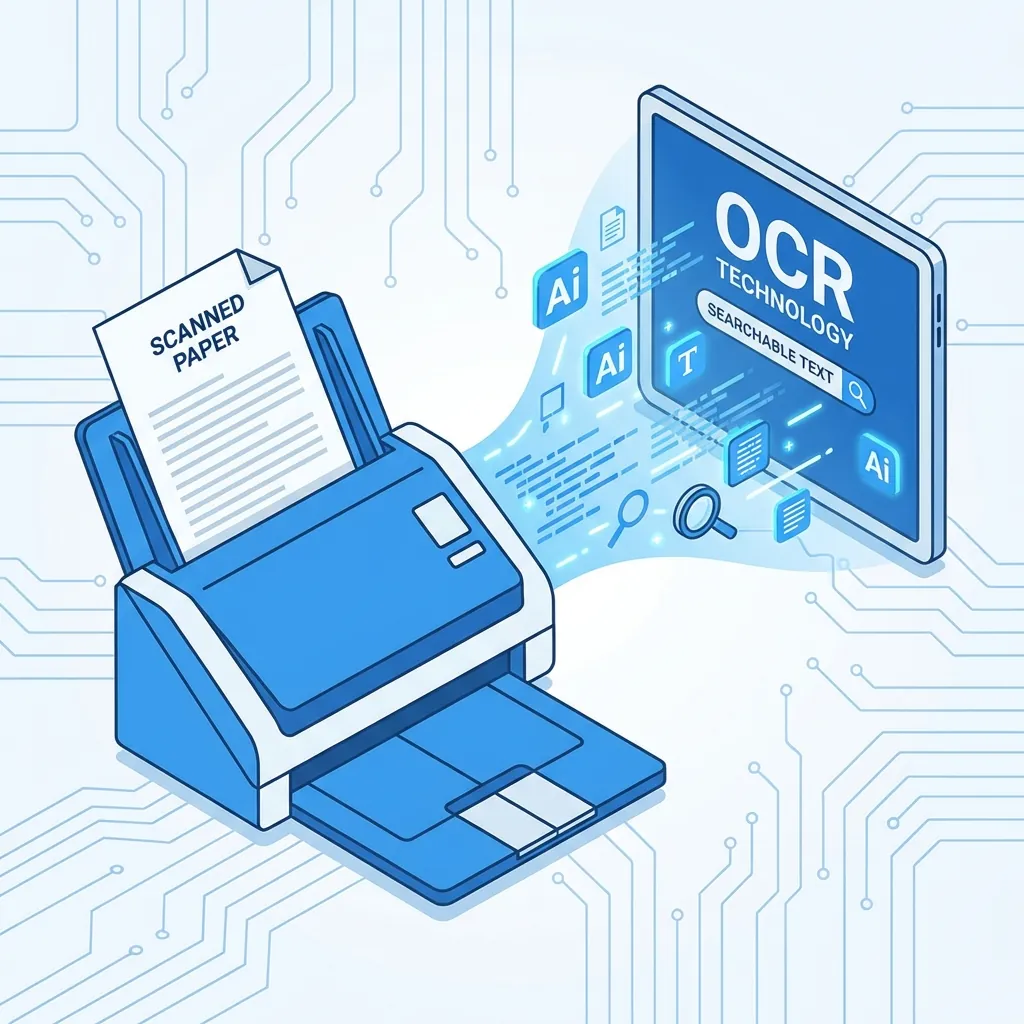
Optical Character Recognition (OCR) converts scanned documents and images into searchable, copyable text. Without OCR, photographed documents are just images where you cannot search or copy text. This tool solves that problem.
The tool supports over 100 languages including Arabic and English. It uses the advanced Tesseract engine with machine learning algorithms for high text recognition accuracy, even with low-quality documents or handwritten fonts.
📊 Real Test: OCR on Scanned Invoice
We applied OCR to 3 scanned invoices (Arabic + English) at 200 DPI quality.
Recognition Accuracy (English)98.7%
Recognition Accuracy (Arabic)95.3%
Number Accuracy99.1%
Processing Time/Page2.8 seconds
Result✅ Searchable and copyable text
How to Use
- 1Upload the scanned PDF file
- 2Select document language (Arabic, English, or multilingual)
- 3Click "Run OCR" button
- 4Wait for processing (may take minutes depending on size)
- 5Download the file with searchable text
Key Features
Support over 100 languages
Arabic and English text recognition
Convert images to searchable text
High recognition accuracy
Preserve original formatting
Process multi-page files
Tips & Best Practices
- 💡For best results: ensure scan at 300 DPI minimum.
- 💡Printed docs with clear fonts achieve 95%+ accuracy. Handwriting is less accurate.
- 💡If document is bilingual (Arabic and English), choose multilingual mode.
- 💡Skewed or tilted documents may affect accuracy — use a flatbed scanner instead of camera.
- 💡After OCR, verify extracted text — may need minor corrections for similar characters (like 0 and O).
Frequently Asked Questions
What's Next?
- →Scan documents first with Scan to PDF.
- →After OCR, convert to editable Word with PDF to Word.
- →Edit the recognized text with Edit PDF.
Your files are safe and protected. All files are processed over an encrypted connection and automatically deleted from our servers within one hour.