
edit
Watermark
Add text or image watermarks to PDF online free. Customize position, size, opacity, and color. Protect documents from unauthorized use.
Choose PDF file
or drag and drop files here
📁 Choose Files
.pdf
256-bit SSL — files auto-deleted
What is this tool?
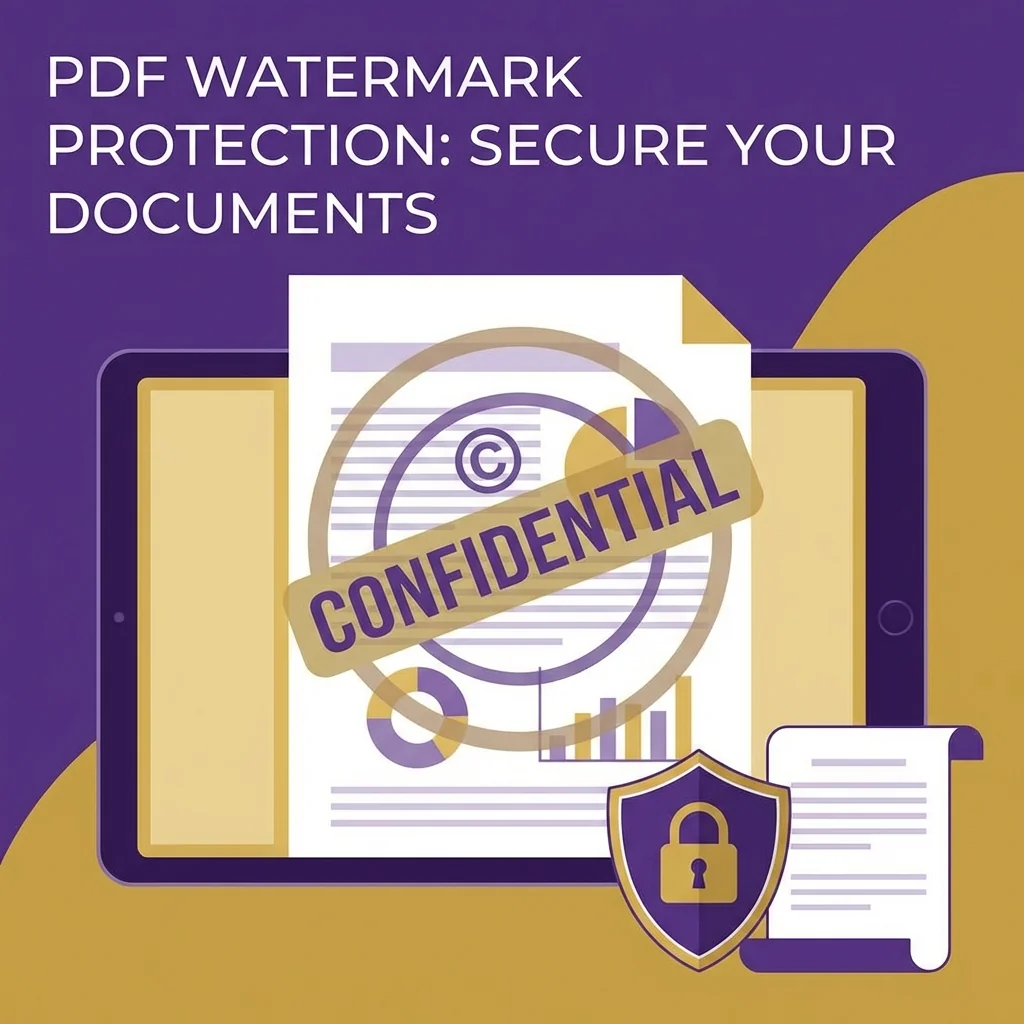
The watermark tool adds text or image on every page of a PDF file. Ideal for protecting confidential documents with "Confidential" or "Draft" stamps, adding company logos on reports, or placing copyright information on digital publications.
You can fully customize the watermark: choose between text or image, set size, transparency, position, and angle. Apply to all pages or specific ones, appearing in front of or behind content as you choose.
📊 Real Test: Watermarking Business Proposal
We added a "CONFIDENTIAL" watermark to a business proposal (18 pages, 7.2MB) in three styles.
Diagonal Text✅ 30% opacity — visible without obstruction
Center Logo✅ 50x50mm — doesn't block content
Footer on Each Page✅ Small text at bottom of each page
Size Increase+0.3MB only
Processing Time2.1 seconds
How to Use
- 1Upload PDF file
- 2Choose watermark type: text or image
- 3Type text or upload logo image
- 4Adjust transparency, size, position, and angle
- 5Download file with watermark
Key Features
Text or image watermark
Control transparency and size
Adjust position and angle
Apply to all or specific pages
Behind or in front of content
Arabic font support
Tips & Best Practices
- 💡For confidential docs: use 30-50% transparency with 45-degree diagonal angle — covers page without blocking reading.
- 💡For company logo: place in corner with 10-20% transparency — looks professional without distraction.
- 💡"Draft" watermark is important to prevent drafts from being considered final copies.
- 💡For extra protection: use watermark with Protect PDF tool together — visual + technical protection.
- 💡Ensure watermark doesn't hide important info — test on different pages before applying.
Frequently Asked Questions
What's Next?
- →Lock the document after watermarking with Protect PDF.
- →Need a signature instead? Use Sign PDF.
- →Edit content before adding watermark with Edit PDF.
Your files are safe and protected. All files are processed over an encrypted connection and automatically deleted from our servers within one hour.