
JPG to PDF
Convert JPG, PNG, and other images to PDF online free. Combine multiple photos into one PDF document. Adjust page size and orientation. No signup needed!
Choose images
or drag and drop files here
What is this tool?
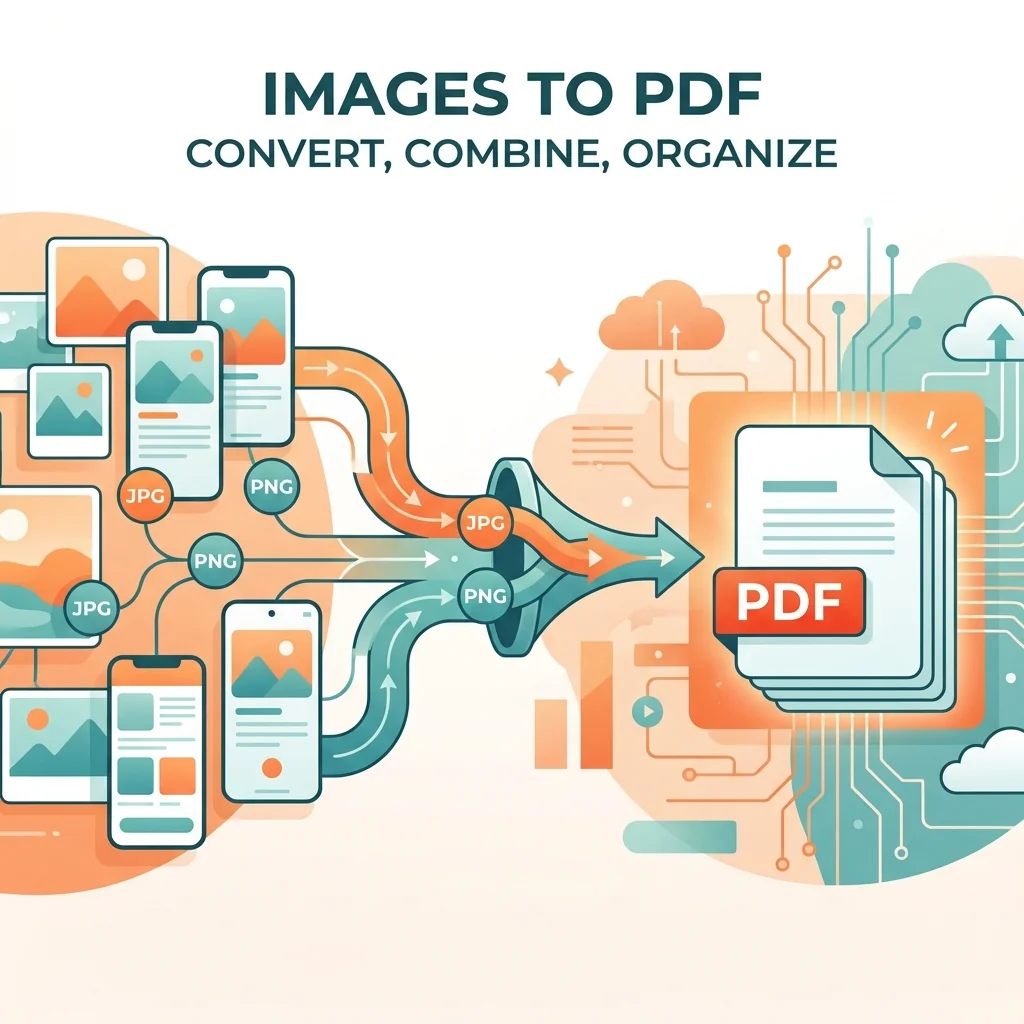
Convert images to a unified PDF document. Ideal for compiling scanned images into an organized single document, creating photo albums in PDF format, or converting screenshots and photographed documents into official shareable documents.
The tool supports JPG, PNG, GIF, BMP, and TIFF images. You can upload multiple images and arrange them before conversion, with options to adjust page size (A4, Letter) and orientation (portrait or landscape). Each image becomes a separate page in the output PDF.
📊 Real Test: Converting Scanned Documents
We converted 25 scanned images (receipts and documents) at 300 DPI into a single PDF.
How to Use
- 1Upload one or multiple images (JPG, PNG, GIF, BMP, TIFF)
- 2Arrange images in desired order by drag and drop
- 3Choose page size and orientation
- 4Click convert button
- 5Download the resulting PDF file
Key Features
Tips & Best Practices
- 💡For scanned documents: arrange pages in correct order before conversion.
- 💡Use images with at least 300 DPI for high-quality printable PDF.
- 💡After conversion, use the OCR tool to make text in images searchable and copyable.
- 💡To save size: compress images before converting or use Compress PDF tool after.
- 💡For photo albums: choose Landscape orientation for wide photos and Portrait for tall ones.
Frequently Asked Questions
What's Next?
- →Convert back to images with PDF to JPG.
- →Make scanned text searchable with OCR.
- →Combine with existing PDFs using Merge PDF.