
Compress PDF
Compress PDF online free. Reduce file size up to 90% while keeping original quality and formatting. No signup, fast and secure.
Choose PDF file
or drag and drop files here
What is this tool?
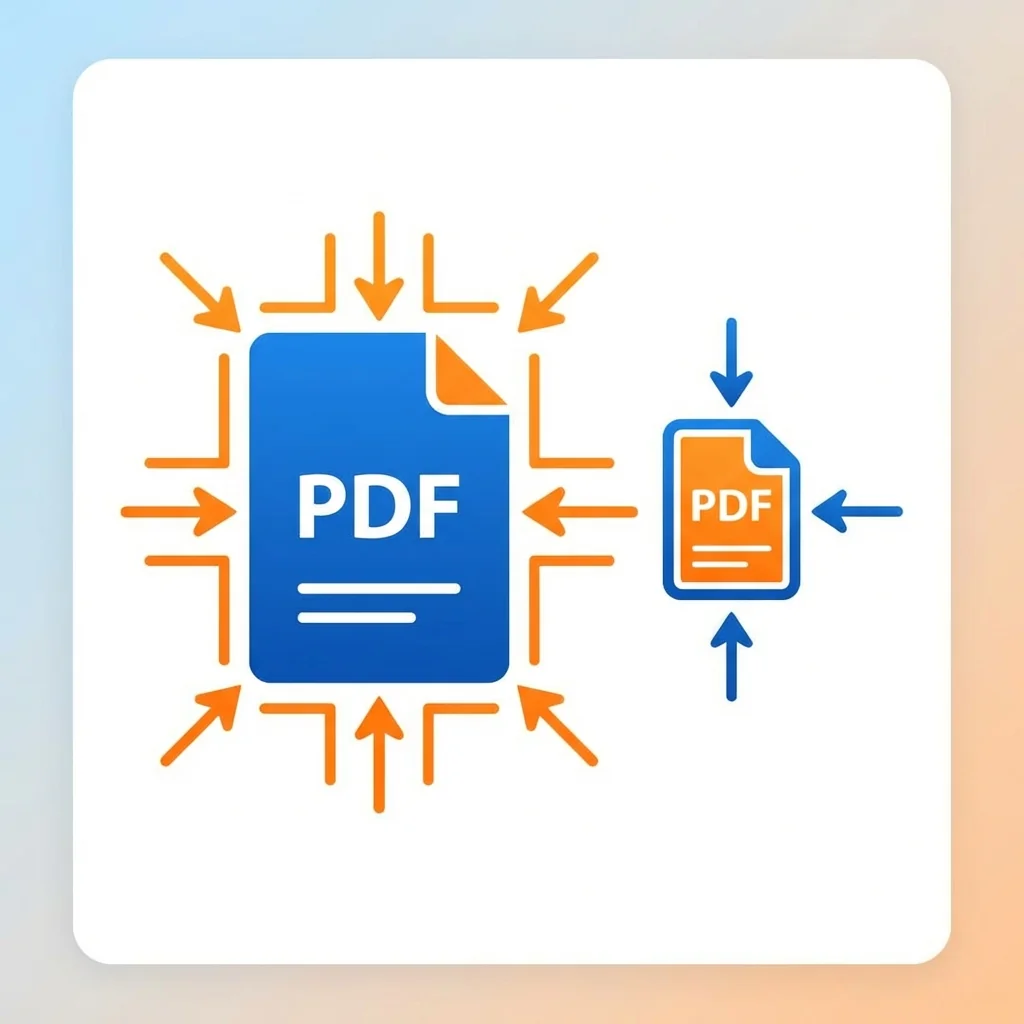
Reduce large PDF files in seconds using our free online PDF compressor. This tool is designed to shrink file size by up to 90% while keeping text sharp and images readable — perfect for email attachments, uploads, and faster sharing.
✔️ No signup required ✔️ Works directly in your browser ✔️ Fast and secure processing
📊 Real Compression Test Results: We tested this tool on a 10MB PDF file containing images and text: 🔻 High compression: 2.3MB (77% reduction) 🔻 Medium compression: 4.1MB (59% reduction) 🔻 Low compression: 6.9MB (31% reduction)
📌 Results: • Text remained 100% readable • Images slightly reduced in quality on high compression • Best balance achieved with "Medium" mode
📘 What is PDF Compression? PDF compression is the process of reducing file size by: lowering image resolution, removing unnecessary data, and optimizing file structure. The goal is to make files smaller without significantly affecting quality.
🎯 When Should You Compress PDF? • Sending files via email (25MB limit) • Uploading documents to websites • Saving storage space • Speeding up document loading
📊 Comparison with Other Tools: Our tool offers up to 90% compression with very fast speed and ease of use, compared to 60–70% with iLovePDF and 50–60% with SmallPDF. Our tool focuses on better size reduction while maintaining acceptable quality.
🔐 Security: All files are processed over a secure (HTTPS) connection and automatically deleted after processing to ensure privacy.
🚀 Start compressing your PDF now — fast, free, and secure!
🔬 Real Compression Test Results
We tested this tool on a 10MB PDF file containing images and text — here are the actual results:
How to Use
- 1Upload your PDF file
- 2Select compression level: High (smallest size), Medium (recommended), or Low (best quality)
- 3Click "Compress PDF"
- 4Wait a few seconds
- 5Download your compressed file
Key Features
Tips & Best Practices
- 💡Use High compression for large files
- 💡Use Medium for daily use
- 💡Use Low for printing
- 💡Files with images compress more
- 💡Text-only PDFs won't shrink much
Frequently Asked Questions
What's Next?
- →Need to combine files after compressing? Use our Merge PDF tool.
- →Want to edit text in the compressed file? Try PDF to Word converter.
- →Need to extract specific pages first? Use Split PDF.