
Split PDF
Split PDF into multiple files or extract pages online free. No signup, no software. Select pages, click split — done in seconds!
Choose PDF file
or drag and drop files here
What is this tool?
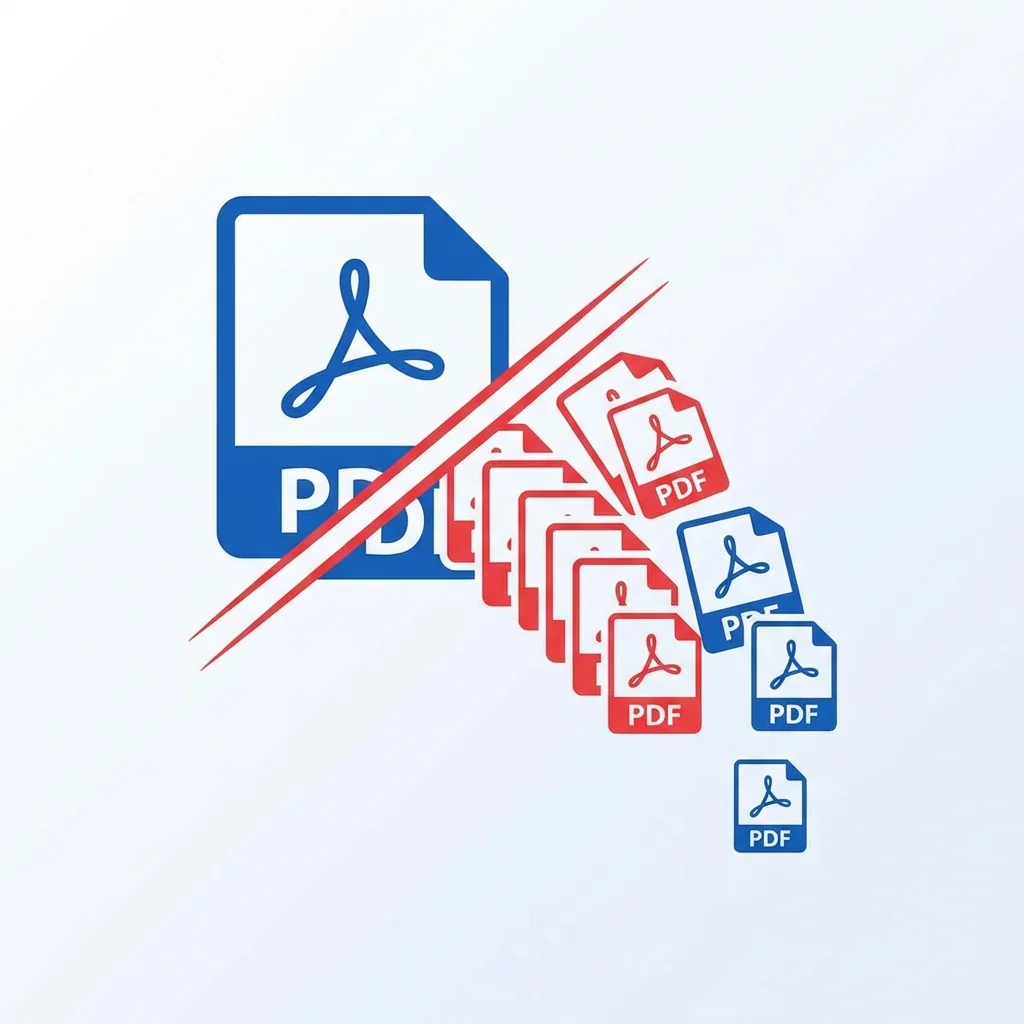
The PDF split tool helps you separate a single PDF file into multiple separate files. This tool is very useful when you need to extract specific pages from a large document, split a book into chapters, or send a specific part of a report. The process is easy, fast, and does not affect the quality of the original document.
The tool offers several splitting modes: split by page range, extract each page as a separate file, or split by a specified size. This makes it ideal for lawyers who need to extract specific clauses from a long contract, students who want to separate book chapters, or businesses that need to distribute parts of a report to different departments.
📊 Real Test: Splitting a Legal Contract
We tested splitting a 94-page legal contract (14.7MB) into 5 separate sections by clause.
How to Use
- 1Upload the PDF file you want to split
- 2Specify the page range you want to extract (example: 1-5, 10-15)
- 3Or choose to split each page into a separate file
- 4Click the "Split PDF" button
- 5Download the split files
Key Features
Tips & Best Practices
- 💡Use the format "1-5, 8, 11-15" to extract multiple page groups at once.
- 💡If you only want to remove certain pages, use the "Organize PDF" tool instead of splitting.
- 💡For very large files (over 200 pages), split in stages for best performance.
- 💡After splitting, rename the output files for better organization.
- 💡For lawyers: split contracts by sections (clauses, appendices, signatures) for easier review.
Frequently Asked Questions
What's Next?
- →Want to recombine pages later? Use Merge PDF.
- →Compress the extracted pages with Compress PDF.
- →Need to reorganize without splitting? Try Organize PDF.