Adding Watermarks to PDFs: Protect Your Work
Why watermarks matter and how to add them effectively to protect your documents.
Why Use Watermarks
| Purpose | Description | Common Use |
|---|---|---|
| Ownership | Identify document source | Portfolios, photos |
| Status | Show document state | Draft versions |
| Security | Discourage unauthorized use | Confidential docs |
| Branding | Reinforce company identity | Reports, proposals |
Comprehensive Types of Watermarks
Text Watermarks - The Most Common Type
Advantages: Quick to create, universally understood, and deliver clear messages.
Best for: Draft documents, confidential materials, and quick protection needs.
Image Watermarks - Professional Branding
Best for: Marketing materials, portfolios, and branded documents.
Positioning Strategies for Maximum Effect
| Position | Visibility | Protection Level | Best Use |
|---|---|---|---|
| Diagonal | High | Maximum | Security, drafts |
| Center | High | High | Status marking |
| Corner | Lower | Moderate | Subtle branding |
| Pattern | Very High | Maximum | High security |
The Critical Balance: Visibility vs. Readability
Opacity Guidelines
| Opacity | Description | Best For |
|---|---|---|
| 10-20% | Very subtle | Light branding |
| 25-35% | Noticeable | Standard use |
| 40-50% | Visible | Drafts, confidential |
| 60-70% | Dominant | Maximum security |
Step-by-Step Watermarking Workflow
For Text Watermarks:
- Choose your message - keep it short and clear
- Select appropriate font and size
- Set opacity starting at 35%
- Choose position based on goals
- Apply to desired pages
- Review the result
For Image Watermarks:
- Use PNG with transparent background
- Ensure proper resolution
- Size appropriately
- Set opacity at 25-40%
- Position carefully
- Verify on multiple pages
Professional Use Cases
Creative Professionals
Legal and Compliance
Business Documents
Educational Materials
Common Mistakes to Avoid
- Making watermark too subtle to be effective
- Blocking critical document content
- Inconsistent application across pages
- Using low-quality images
- Wrong watermark type for the situation
Types of Watermarks
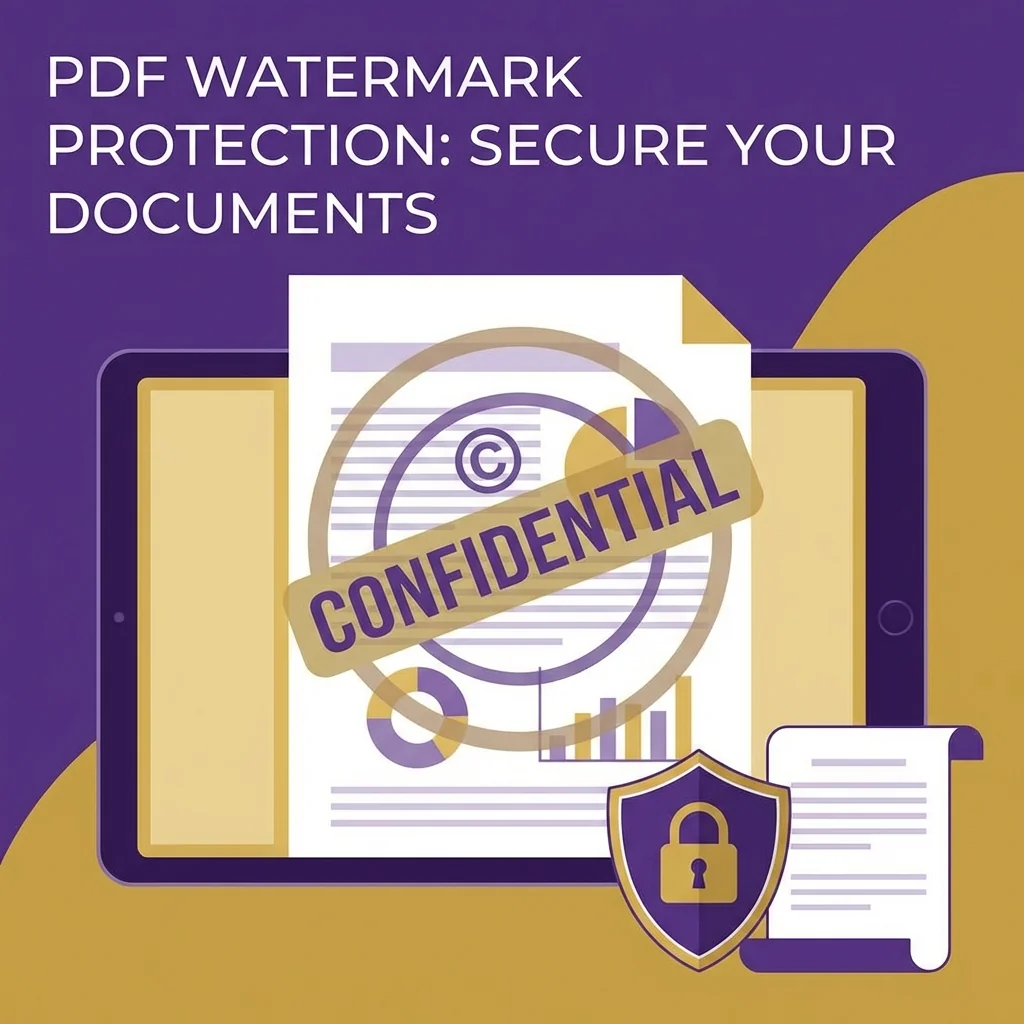
Text watermarks: "DRAFT", "CONFIDENTIAL", "SAMPLE", or your company name. Simple and effective.
Image watermarks: Your logo or a custom graphic. More professional looking.
Diagonal vs. centered: Diagonal text across the page is hard to crop out. Centered watermarks look cleaner.
The Balance Problem
Frequently Asked Questions (FAQ)
Can watermarks be removed from a PDF?
What opacity should I use for watermarks?
Can I add a watermark to multiple pages at once?
What is the best watermark position?
Can I use my company logo as a watermark?
💧 Add Watermarks to Your PDFs Now
- Protect PDF - Add password protection
- Sign PDF - Add digital signatures
- Edit PDF - Add other annotations
A specialized team in PDF tool development and educational content. We help you work with PDF files efficiently through free tools and comprehensive tutorials.
🚀 Try Our Free PDF Tools
29 completely free tools. No registration. 100% secure processing in your browser.