Back to Blog
How to Unlock PDF Files and Remove Passwords
Regain access to your documents by legally removing passwords and restrictions from PDF files.
PDF Tools TeamJanuary 25, 20267 min read
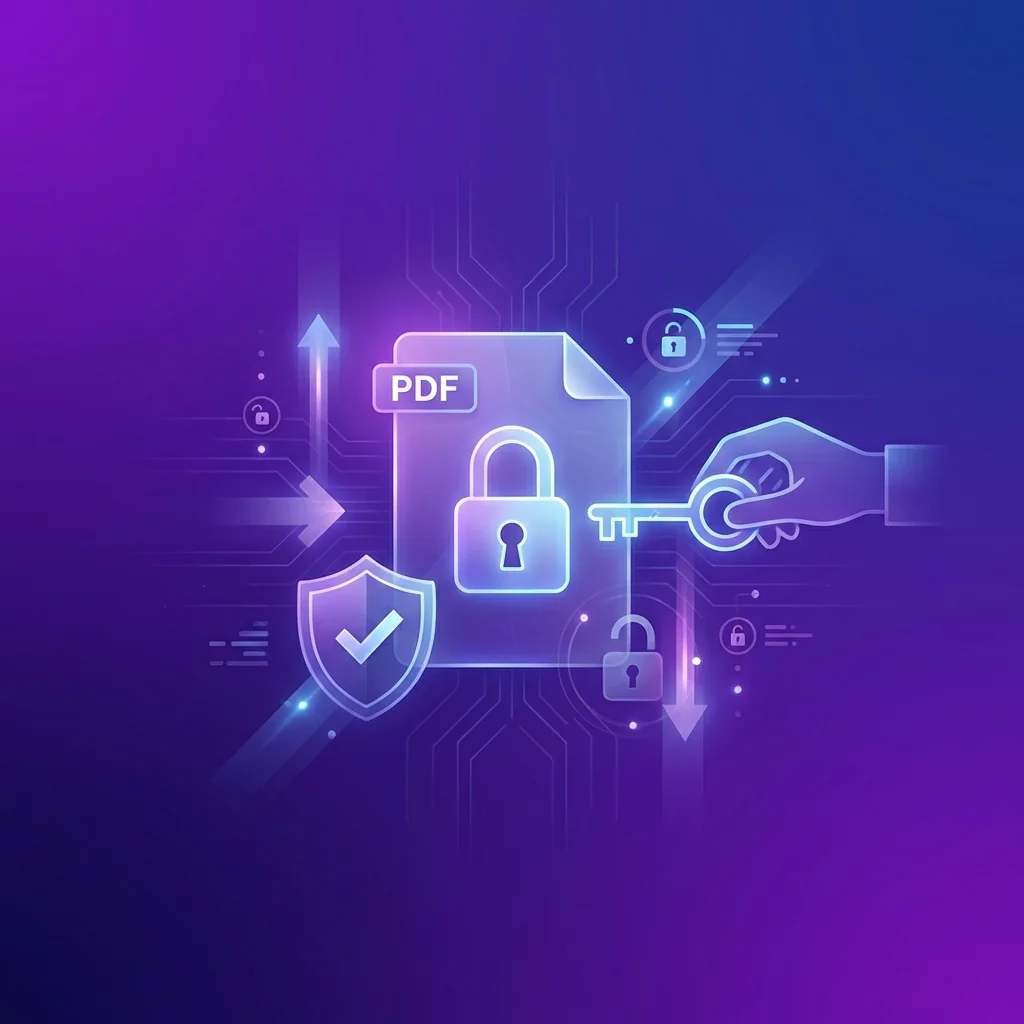
Last month, I received an old archive of my own projects, but every PDF was locked with a password I barely remembered. Dealing with restricted PDFs can be incredibly frustrating when you need to print, edit, or even just view your own work. Unlocking a PDF isn't just about getting past a password; it's about regaining control over your documents.
Understanding PDF Passwords
| Feature | User Password (Open) | Owner Password (Permissions) |
|---|---|---|
| Purpose | Restricts opening the file | Restricts editing/printing |
| Impact | Cannot see content at all | Can see but cannot modify |
| Security | High | Medium |
Why You Might Need to Unlock a PDF
- Printing Restrictions: When you need a physical copy but the file is locked.
- Editing Needs: Adding comments or filling forms in a restricted document.
- Combining Files: Merging multiple documents where some are protected.
- Personal Archiving: Removing old passwords for long-term accessibility.
The Legality of Unlocking PDF Files
It is crucial to only unlock PDF files that you have the legal right to access. This means files you created yourself or files given to you with the authority to modify them. Tools to remove passwords should be used responsibly to recover access to your own data, not to bypass security on documents you don't own.
How to Unlock PDF Files Online
Step-by-Step Guide:
- Select the locked PDF file from your device.
- Upload it to our secure unlock tool.
- Enter the known password if prompted (for Open passwords).
- The tool will remove permissions and encryption.
- Download your clean, unrestricted PDF document.
Comparison: Online vs. Desktop Unlocking
| Aspect | Online Tools | Desktop Software |
|---|---|---|
| Speed | Instant | Variable |
| Installation | None required | Required |
| Accessibility | Any device | Single computer |
| Ease of Use | Extremely simple | Often complex |
Frequently Asked Questions (FAQ)
Can I unlock a PDF if I forgot the password?
Our tool can remove permission restrictions (printing, editing) without a password. However, if the file is encrypted with an "Open" password, you will usually need to provide it once so the tool can decrypt and remove it permanently.
Is it safe to upload my password-protected PDFs?
Yes, our tool processes the unlocking locally in your browser whenever possible, so your sensitive documents and passwords aren't sent to our servers.
Will unlocking a PDF reduce its quality?
No, removing a password only changes the security metadata. Every pixel and letter within your document remains exactly as it was.
Can I unlock multiple PDFs at once?
Yes, you can batch process multiple files to remove restrictions simultaneously, saving you significant time.
Conclusion
Regaining access to your documents shouldn't be a technical hurdle. By using the right tools and following responsible practices, you can ensure your files are always accessible when you need them most. Ready to unlock your files? Use our free tool above for instant results.
PDF Tools Team
A specialized team in PDF tool development and educational content. We help you work with PDF files efficiently through free tools and comprehensive tutorials.
🚀 Try Our Free PDF Tools
29 completely free tools. No registration. 100% secure processing in your browser.