PDF vs Word vs Images: When to Use What
Understanding file formats to choose the right one for your needs.
Understanding File Formats: The Basics
Comprehensive Format Comparison Overview
| Feature | Word | Images (JPG/PNG) | |
|---|---|---|---|
| Consistent appearance | Yes | No | Yes |
| Easy editing | Limited | Yes | No |
| Small file size | Medium | Small | Large |
| Universal viewing | Yes | Needs software | Yes |
| Print quality | High | High | Variable |
| Searchable text | Yes | Yes | No |
| Font embedding | Yes | Partial | N/A |
| Password protection | Yes | Yes | No |
| Digital signatures | Yes | Yes | No |
| Accessibility options | Good | Excellent | Poor |
When to Use PDF - Complete Guide
Best for:
- Final versions that should not be edited
- Documents that must look identical everywhere
- Official documents, contracts, reports
- Sharing with people who may not have specific software
- Professional printing and publishing
- Long-term document archival
- Documents requiring digital signatures
PDF Advantages Explained
Consistent Appearance: A PDF looks identical whether viewed on Windows, Mac, Linux, iOS, or Android. Fonts, layouts, and images appear exactly as designed regardless of what software or device opens them.
Security Options: PDFs support password protection, encryption, and permission controls. You can allow viewing but prevent printing, copying, or editing.
Professional Standard: Many industries require PDF format for official documents. Legal, financial, and government sectors especially rely on PDFs.
Compact Size: PDFs can be compressed significantly while maintaining visual quality, making them practical for email and storage.
When to Use Word - Complete Guide
Best for:
- Documents under active editing
- Collaborative work where others need to make changes
- Templates that will be reused
- Documents needing comments and tracked changes
- Creating structured documents with styles
- Mail merge and automated document generation
Word Advantages Explained
Easy Editing: Word is designed for creating and modifying content. Adding, removing, and formatting text is straightforward and efficient.
Collaboration Features: Track changes, comments, and version history make Word excellent for team documents and review processes.
Templates and Styles: Word styles make it easy to maintain consistent formatting across documents and update formatting globally.
When to Use Images - Complete Guide
Best for:
- Social media sharing
- Quick screenshots for reference
- When you need visual elements, not text
- Presentations and slides
- Web graphics and marketing materials
Image Format Details
JPG (JPEG): Best for photographs and complex images with many colors. Uses lossy compression.
PNG: Best for graphics, logos, and images needing transparency. Uses lossless compression.
GIF: Best for simple animations and graphics with few colors.
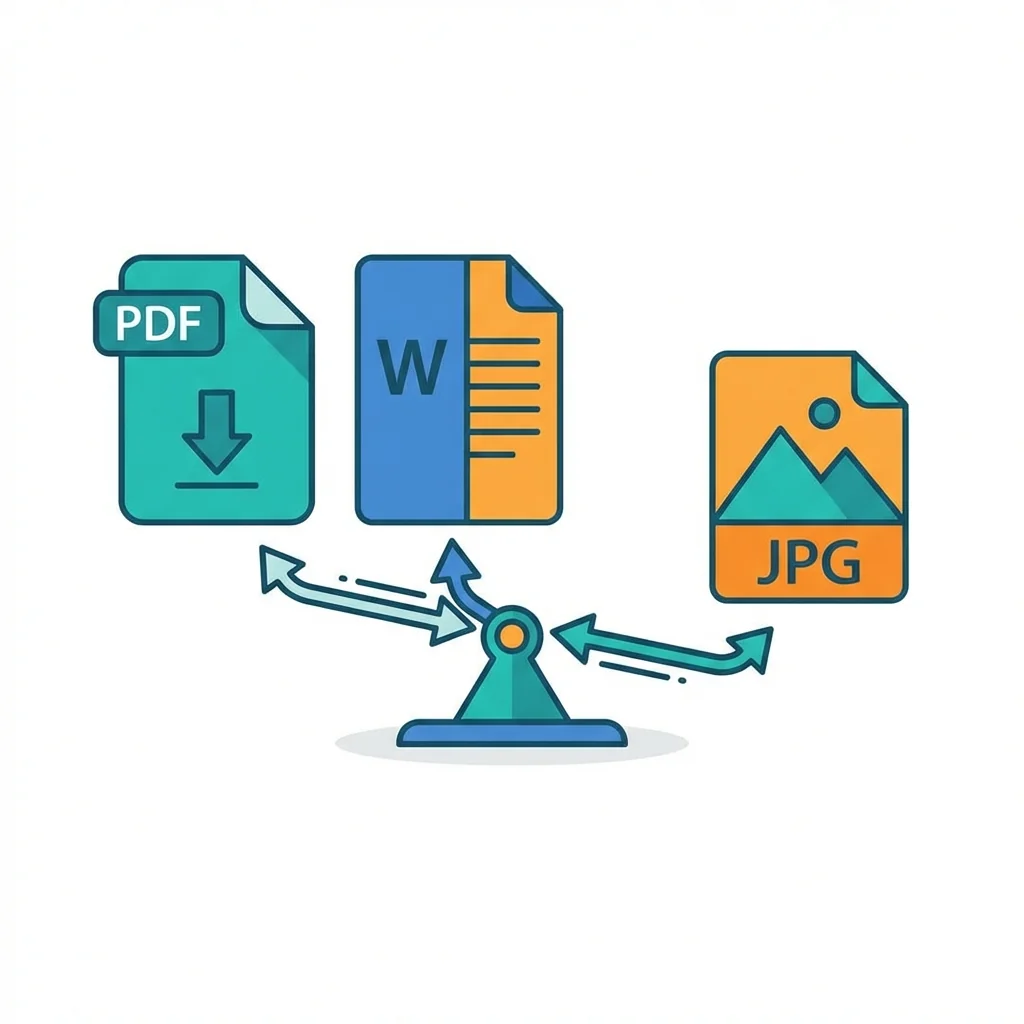
Converting Between Formats
PDF to Word
Word to PDF
Images to PDF
PDF to Images
When to Use PDF
Best for:
- Final versions that should not be edited
- Documents that must look the same everywhere
- Official documents, contracts, reports
- Sharing with people who may not have specific software
- Printing, especially professional printing
When to Use Word
Best for:
- Documents under active editing
- Collaborative work where others need to make changes
- Templates that will be reused
- Documents that need comments and tracked changes
When to Use Images
Best for:
- Social media sharing
- Quick screenshots for reference
- When you need visual elements, not text
- Presentations and slides
Format Decision Guide
| Situation | Recommended Format |
|---|---|
| Sending final contract | |
| Draft for feedback | Word |
| Posting on Instagram | Image |
| Archiving documents | PDF or PDF/A |
| Resume to employers | |
| Newsletter template | Word |
The Bottom Line
A specialized team in PDF tool development and educational content. We help you work with PDF files efficiently through free tools and comprehensive tutorials.
🚀 Try Our Free PDF Tools
29 completely free tools. No registration. 100% secure processing in your browser.