Back to Blog
Digital Signatures: Sign Documents Legally Online
Everything you need to know about legally signing PDF documents electronically.
PDF Tools TeamDecember 30, 202510 min read
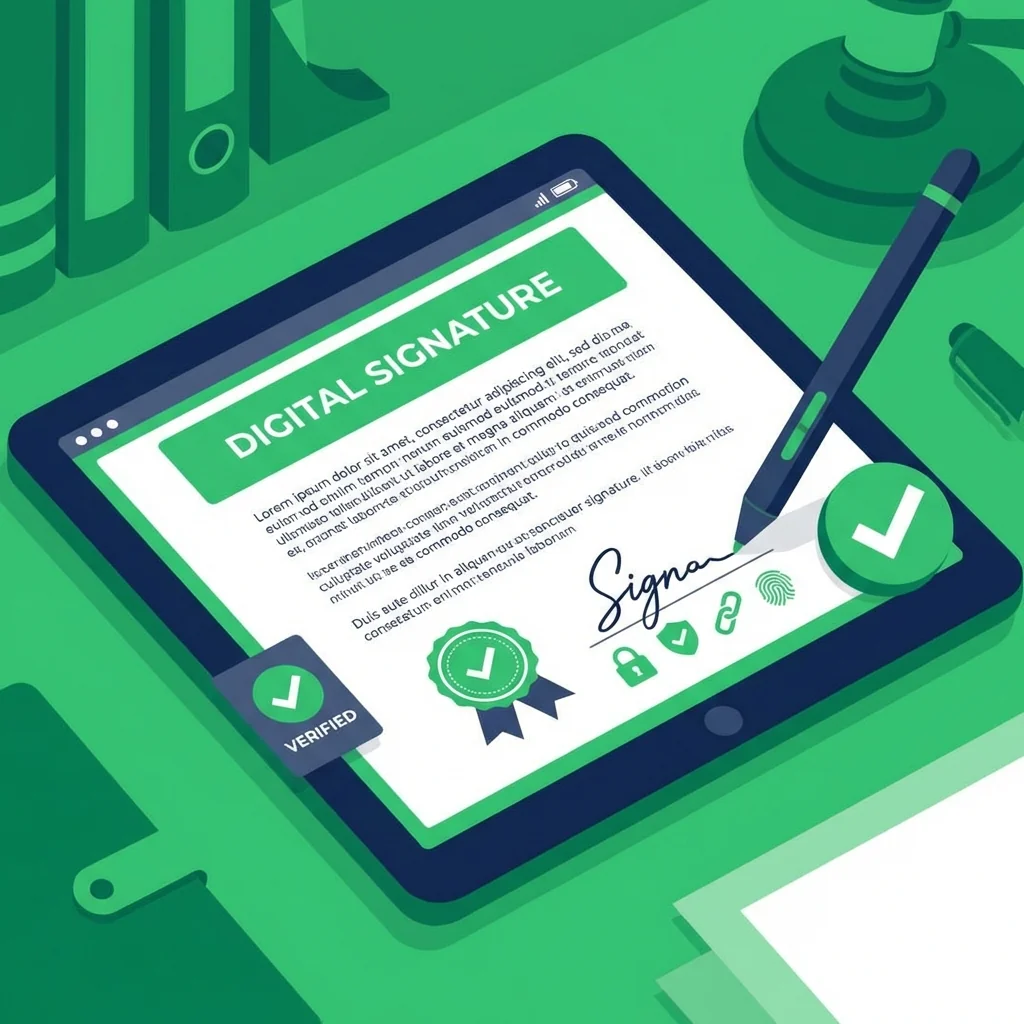
I used to print documents, sign them with a pen, scan them back, and email the scanned copy. What a waste of time and paper. Digital signatures changed my workflow completely.
Are Digital Signatures Legal?
Yes, in most countries including Saudi Arabia, UAE, Egypt, and the US. Electronic signatures have the same legal standing as handwritten ones for most documents. This is thanks to laws like the E-SIGN Act in the US, eIDAS in Europe, and similar regulations in the Arab world.
Understanding the Legal Framework
Most countries have enacted legislation recognizing electronic signatures. In Saudi Arabia, the Electronic Transactions Law provides legal recognition. In the UAE, the Electronic Transactions and Commerce Law governs digital signatures. Egypt has similar provisions under its Electronic Signature Law.
Key Legal Principles
- Intent to sign: The person must intend to sign the document
- Consent to do business electronically: Both parties agree to electronic process
- Record retention: Electronic records must be maintained properly
- Signature association: The signature must be logically associated with the record
Comprehensive Types of Electronic Signatures
| Type | Security Level | Use Case | Verification Method |
|---|---|---|---|
| Simple e-signature | Basic | Daily documents, internal forms | None required |
| Advanced e-signature | High | Business contracts, important agreements | Identity verification |
| Qualified e-signature | Highest | Legal documents, government submissions | Certificate authority |
Simple Electronic Signatures
These are the most common type. They include typed names, drawn signatures, checkbox confirmations, and clicking buttons. They work for most routine business documents.
Advanced Electronic Signatures
These provide stronger security by uniquely linking the signature to the signer, offering detection of any post-signing changes, and being created using data under the exclusive control of the signer.
Qualified Electronic Signatures
The highest level, these require creation by a qualified electronic signature creation device and are based on a qualified certificate for electronic signatures issued by a certified provider.
My Complete Digital Signing Workflow
Step-by-Step Process:
- Receive a PDF that needs my signature via email or shared drive
- Open the document in our signing tool
- Review the document content carefully before signing
- Draw, type, or upload my signature
- Position the signature precisely in the designated field
- Add date, initials, or other required elements
- Download the signed document
- Send it back to the requesting party
The entire process takes under two minutes for most documents.
Creating Your Digital Signature
Drawing Your Signature
Use your mouse, trackpad, or touchscreen to draw your signature. This captures your unique handwriting style. Tips for best results:
- Use smooth, confident strokes
- Practice a few times before final drawing
- Keep it consistent with your paper signature
Typing Your Signature
Select an appropriate script or cursive font to display your typed name. This is quick and always consistent.
Uploading a Signature Image
Sign on paper, scan or photograph it, and upload the image. For best results:
- Sign with black ink on white paper
- Ensure good lighting and clear photo
- Crop to remove excess whitespace
Security Best Practices
Protecting Your Signature
Your signature image is valuable and should be protected like a password:
- Store signature files securely
- Never share signature images via unencrypted email
- Use different signatures for different purposes if needed
- Regularly review documents you have signed
Choosing Safe Signing Tools
When selecting a signing tool, prioritize those that:
- Process files locally in your browser without uploading
- Do not store your signature on external servers
- Offer secure download options
- Have clear privacy policies
Types of Electronic Signatures
| Type | Security Level | Use Case |
|---|---|---|
| Simple e-signature | Basic | Daily documents |
| Advanced e-signature | High | Business contracts |
| Qualified e-signature | Highest | Legal, government docs |
How I Sign Documents Now
- Receive a PDF that needs my signature
- Open our signing tool
- Draw my signature once and save it for future use
- Click where the signature should go
- Add the date if needed
- Download and send back immediately
The whole process takes under a minute.
Frequently Asked Questions (FAQ)
Are electronic signatures legally binding?
Yes, in most countries electronic signatures have the same legal standing as handwritten signatures for most types of documents.
How do I create a digital signature?
You can draw your signature using a mouse or touchpad, type your name in a script font, or upload an image of your handwritten signature.
Is it safe to sign documents online?
Yes, if you use a tool that processes files locally in your browser. Your signature and documents never leave your device.
Can I reuse my saved signature?
Yes, once you create and save your signature, you can use it on any document without redrawing it every time.
What documents can I sign electronically?
Most business documents, contracts, agreements, and forms can be signed electronically. Some legal documents like wills may still require handwritten signatures.
Security Considerations
Your signature image is valuable - do not share it carelessly. Keep it in a secure location and only use signing tools that process files locally.
Ready to sign documents digitally? Try our free signature tool above - fast, legal, and secure.
PDF Tools Team
A specialized team in PDF tool development and educational content. We help you work with PDF files efficiently through free tools and comprehensive tutorials.
🚀 Try Our Free PDF Tools
29 completely free tools. No registration. 100% secure processing in your browser.